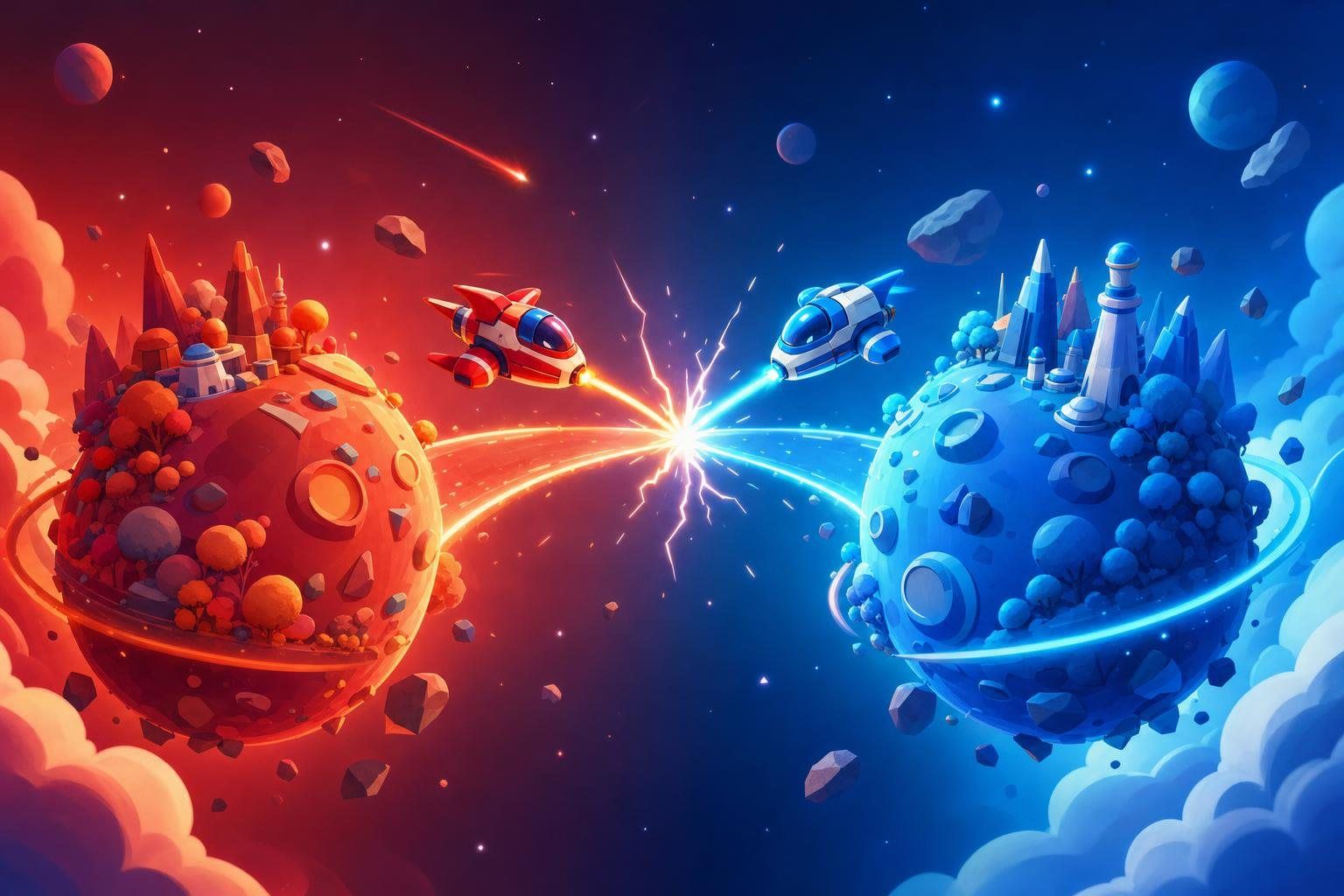
2 Player Games Unblocked: Free Duels to Play on One Keyboard
One keyboard, two players. Settle it in under a minute.
 Warp: Racing
 Warp: Sports
 Warp: Skill
 Warp: Idle
 Warp: Cards
2 player games unblocked for one keyboard or one screen: space duels, sports and board games. Free in your browser, no download, and a match takes under a minute.

2 player games unblocked: one screen, two people, no setup
2 player games unblocked are games for two people that run in a browser tab with no download and no account. You do not need two computers or an install. One keyboard, one screen and one friend are enough, and a match often ends in under a minute.
They work so well in a browser because there is nothing to organize. Nobody has to make a profile, send an invite or wait for a lobby. You open the page, agree who uses which keys, and play. If you lose, the rematch button is right there.
This hub covers three kinds of games. Fast duels, like a space shooter where each ship takes five hits to lose. Sports games with wobbly physics, where nobody can fully control the ball. And quiet board games, such as Connect 4, Checkers and Chess, where you think before each move. You can switch between them in the same session, which keeps things fresh.
The page below helps you choose, explains how to split a keyboard fairly, and shares tips for winning more matches without being a sore winner.
Best 2 player games to start with
Here is a first lineup, with a line on why each is worth trying.
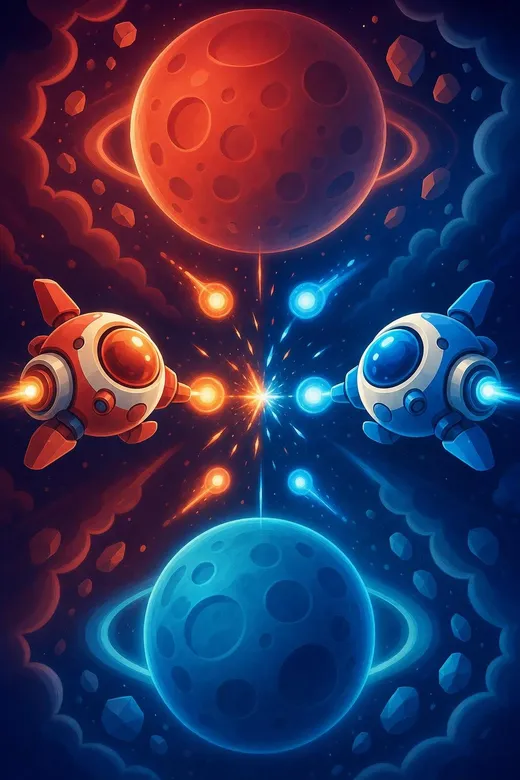
- Twin Planets Duelan Aizi Original. A red ship on top and a blue ship below, each trying to hit the other. First to five hits wins a round, and you can also play one player against the Aizi bot.
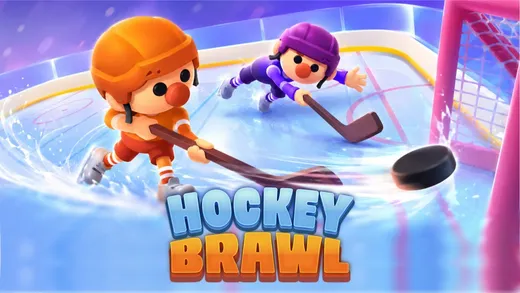
- Hockey Brawlchaotic ragdoll hockey where physics drive the action. It has leagues for a longer run.
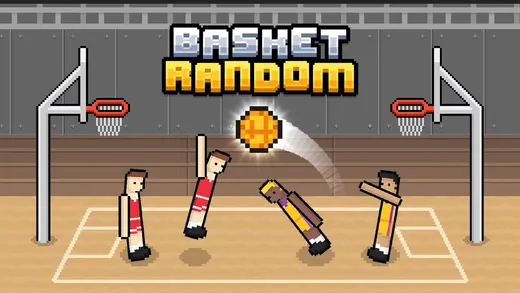
- Basket Randomchaotic basketball with unpredictable ragdoll physics. It also lives in the sports hub.
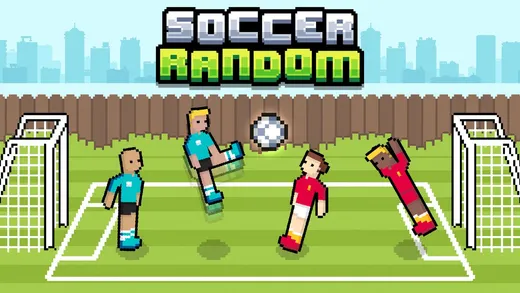
- Soccer Randomphysics-based soccer where you can challenge the CPU or a friend locally.
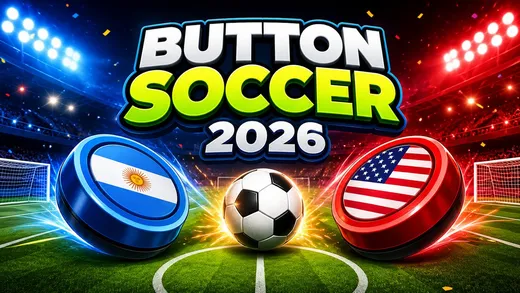
- Button Soccer 2026tactical tabletop football with physics-based play. You choose your formation before you compete.
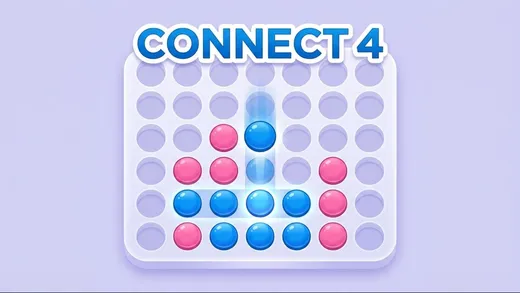
- Connect 4the classic logic game, with local multiplayer or an AI opponent.
- Checkersplay the AI or a friend, with Russian, International and English rule sets.
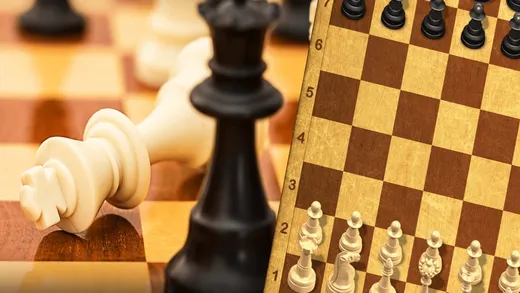
- Master Chessclassic chess against the computer or against other players online.

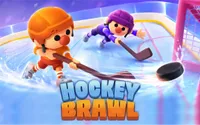
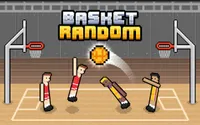
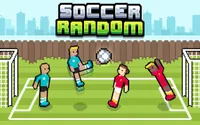

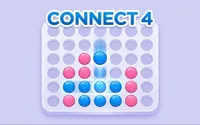

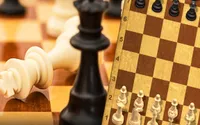
For the fastest match, choose Twin Planets Duel. For laughs, choose Basket Random or Hockey Brawl. For a quiet game, choose Connect 4 or Checkers.
Duels, physics games and board games
Duels
Short fights that end fast.
- Twin Planets Duel
- Power-ups can swing a round
Physics games
Loose, wobbly players and luck that keeps the score close.
- Hockey Brawl, Basket Random, Soccer Random
Board games
Take turns; a good plan beats fast fingers.
- Connect 4, Checkers, Chess
Duels
Twin Planets Duel is the clearest duel. Each round is a short fight that ends when one ship takes five hits, and you can pick a best-of-3 set for more at stake. The game has power-ups: triple shots, rapid fire and shields. Watch for them, because grabbing a shield at the right time can swing a round. Aizi’s tip: stay near the middle of the screen so you can dodge either way.
Physics games
Hockey Brawl, Basket Random and Soccer Random are built on loose, wobbly players and unpredictable physics. They do not reward perfect control, because nobody has it. They reward staying relaxed and taking the chances that come. That makes them excellent when one player is much better than the other, since luck keeps the score close.
Board games
Connect 4, Checkers and Chess are slower. You take turns, so there is no key-mashing, and a good plan beats fast fingers. These are the best choice when you want to talk during the game.
Button Soccer 2026 sits between physics and board games. It is tabletop football, so you think about formation, and the play itself is physics-based.
How to share one keyboard
Sharing a keyboard fairly is a small skill of its own, and it makes a big difference to the fun.
- Split the sides. One player uses the left side of the keyboard, the other uses the right. In Twin Planets Duel, Blue uses A, D and W, and Red uses the arrow keys and Down.
- Check the controls together. Read the first screen of the game out loud. It takes ten seconds and avoids a lot of arguments.
- Sit comfortably. Sit shoulder to shoulder, with your own hands near your own keys. Do not lean across each other.
- Mind key limits. Some keyboards cannot register many keys at once. If a player’s moves stop working when you both press at the same time, move to a different key set or swap sides.
- On a phone. In Twin Planets Duel each player drags on their own half of the screen, and the ship fires by itself.
Controls that work everywhere
For most games here, arrow keys and WASD are the standard two sets. Board games use the mouse or touch, since you only click a square or a column.
| Game | Keyboard | Mouse / touch |
|---|---|---|
| Most duels and physics games | Arrow keys and WASD, one set each | Not needed |
| Twin Planets Duel | Blue uses A, D and W. Red uses the arrow keys and Down. | Each player drags on their own half of the screen on a phone. |
| Board games | Not needed | Click a square or a column, or tap it. |
If you play on a laptop, check whether your trackpad is easy to use for board games. A mouse is usually better, but you can get by with a trackpad if you click firmly. For fast games, an external keyboard is more comfortable than a small laptop one, but it is not required.
How to get better at 2 player games
- Learn the other player’s habit. Most people repeat themselves. Watch for it and use it.
- Do not copy; counter. If your friend always rushes left, wait on that side.
- Take the power-ups. In Twin Planets Duel, a shield or rapid fire can end a round early.
- Slow down in board games. Before every move, ask what your opponent can do in reply.
- In Connect 4, watch both diagonals. Players focus on rows and columns and forget the diagonals.
- Stay calm after a loss. Change one thing and go again.
- Set a score limit. Best of three or first to five keeps everyone happy.
A good match is one where both people want a rematch. If one of you always wins, try a different game, or give the better player a handicap such as using one hand or playing on a phone.
Choosing a game for the moment
The right game depends on who is playing and how long you have. With two people who both want a fast, loud match, go for Twin Planets Duel or Hockey Brawl. With one confident player and one beginner, pick a physics game such as Soccer Random, where the loose controls even things out.
With a friend who likes to think, open Checkers. It supports Russian, International and English rule sets, so agree which one you are using before the first move, because the rules do differ. Connect 4 is the easiest board game to explain, which makes it the best choice for someone who has never played. And Master Chess is there for a longer, quieter match.
If you are on your own, you still have options. Twin Planets Duel has a one-player mode against the Aizi bot, and several of the board games list a computer opponent. That is a good way to practice before you challenge a friend.
A session can also mix styles. Play a quick duel to warm up, a physics game for laughs, and a board game to finish. Changing the type of game keeps the person who is losing from getting too frustrated.
Making 2 player sessions fair
The best sessions are the ones where both people want a rematch. A few simple tricks keep it that way.
Simple rules keep the mood good.
- Pick the game together instead of letting the winner choose each time.
- Swap sides after every match, since a key layout can feel better for one person.
- Keep a running score if you like, but agree on when it ends. A "first to three" rule is easy to remember and stops a long losing streak from turning into a bad mood.
If one player is much better, change the game, not the people. Move to a physics game where luck evens things out, or give the stronger player a small handicap, such as playing with the weaker hand. Most of all, keep it light. The idea of a 2 player game is that you share a screen and a laugh.
If you play at school or work, keep the volume low and play only when it is allowed, such as on a break.
Free games, and how Aizi picks them
Aizi is a small portal of easy browser games, and each game has to load in the page with no download.
- Aizi Originals are made here. Twin Planets Duel is the 2 player one.
- Partner developers supply games through Playgama. Each game page credits the developer.
- Open-source games carry the licence their authors chose, shown next to the credit on the page.
Aizi itself runs no ads. We keep each game page short and practical, with the controls up front so you can start playing together.
More dimensions to explore
If you liked the chaotic matches, the basketball and sports games hub has more shooting and soccer. For a calmer session, the easy card games hub has solitaire and matching games. And for a solo break, try the car games unblocked hub.
Come back to the 2 player games unblocked page whenever you have a friend and a few minutes.
Questions players ask
What are 2 player games unblocked?
They are games for two people that run in a normal browser tab with no download and no account. Most share one keyboard or one screen, so you only need one device and a friend.
How do two people share one keyboard?
Each player gets their own keys. In Twin Planets Duel, Blue uses A, D and W, and Red uses the arrow keys and Down. Agree on sides before you start.
Can I play 2 player games online with a friend on another computer?
Most games here are for two people at one screen. Master Chess lets you play against the computer or against other players online, so check the first screen for how matches are set up.
Which 2 player game is best for a quick match?
Twin Planets Duel. A round ends when one ship takes five hits, so it is quick, and you can choose a best-of-3 for a longer set.
Can I play on my phone?
Twin Planets Duel supports two players on one phone, each dragging on their own half of the screen. The Playgama games here are listed for desktop, iOS and Android.
Are there 2 player games I can play alone?
Yes. Twin Planets Duel has a one-player mode against the Aizi bot, and Connect 4, Checkers and Soccer Random list a computer opponent as well.