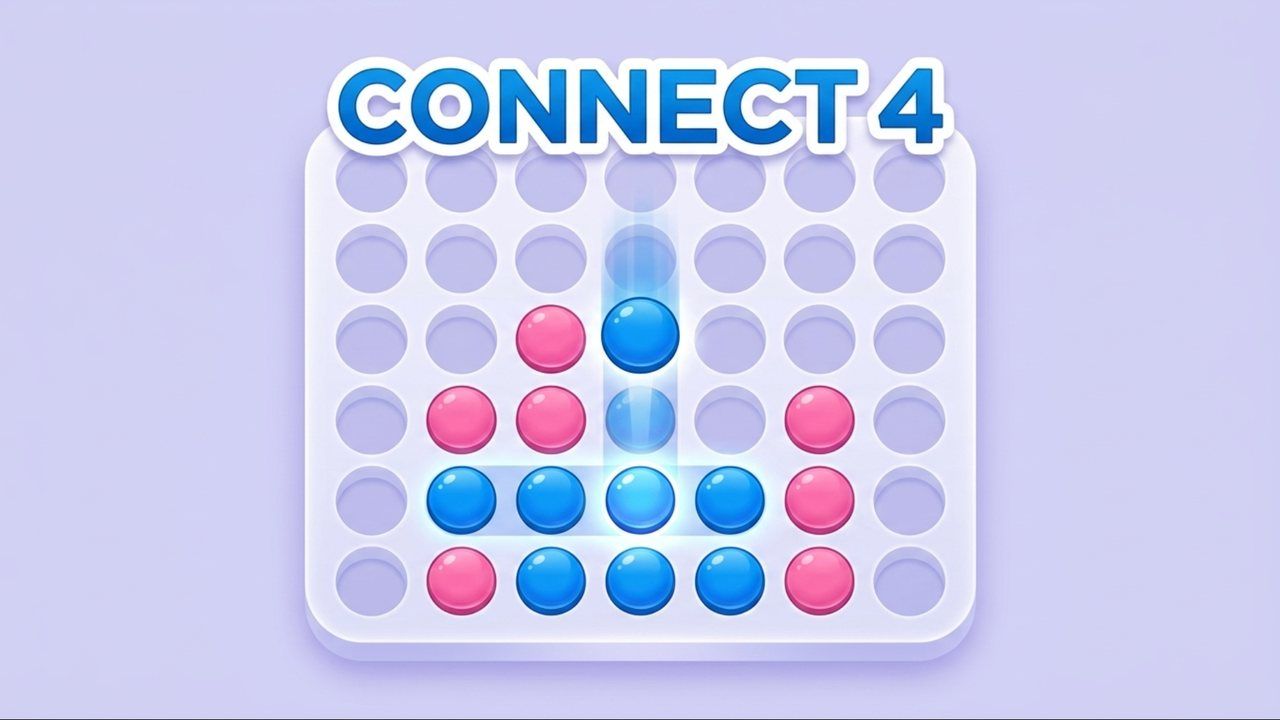

The game fills your screen once it starts.
Before this game loads: are you 13 or older?
This game comes from a partner and may show its own ads and use cookies. Games with partner ads only load for players aged 13 and over.
This game is for players aged 13 and over.
Aizi Originals and our open-source games have no ads at all and are fine for everyone.
Connect 4 Unblocked: Play Free Online
Connect 4 needs about ten seconds to learn and a lifetime to master. You can play Connect 4 unblocked in your browser, with no download, no install and no account. Play Connect 4 free against the AI or hand the device to a friend.
How to play Connect 4
The board has seven columns. Players take turns dropping one disc at a time into any column, and the disc falls to the lowest open slot. The first player to connect four discs in a row wins. The line can be horizontal, vertical or diagonal.
If the board fills up and nobody has four in a row, the game is a draw.
You can play in two ways. Single-player puts you against an AI with Easy, Normal and Hard levels. Local 2-player lets two people take turns on the same screen. The game also offers an Undo button that reverses your last move, and Light and Dark visual themes.
It plays in portrait orientation, which suits a phone held upright.
Controls
| Action | Keyboard | Mouse / touch |
|---|---|---|
| Drop a disc | None needed | Hover over a column and click (PC), or tap the column (mobile) |
| Undo your last move | None needed | Click or tap Undo |
| Change theme | None needed | Use the theme option |
On a phone you can tap anywhere along the column, so there’s no need to aim at the top.
Tips to get better
- Start in the middle. A disc in the center column can join lines in every direction. Edge columns give you far fewer.
- Look for double threats. The winning trick is making two lines of three at once. Your opponent can only block one.
- Block before you build. If your opponent has three in a row with an open end, block it right away.
- Watch the diagonals. Players often miss them, and the lines are easy to lose track of when the board fills up.
- Think about what your drop gives. A disc placed in a column fills the space above it, which may hand your opponent the spot they need.
- Use Undo to learn. After a loss, step back a move and try another to see how the game changes.
- Move up the AI levels. Win a few on Easy, then try Normal. Hard will punish any loose move.
Playing with a friend
Choose the local 2-player mode and sit side by side. Because each turn is one drop, games move quickly, and a rematch takes seconds. Alternate who goes first, since the first move is an advantage.
If you want practice first, play the AI. Each level plays differently, so you’ll see how a stronger opponent handles threats. Hard is a good test once you’ve learned to build double threats.
The game keeps a daily leaderboard if you like to compare. For most players, though, it’s just a calm, pass-the-device game that fits in a few minutes.
 Aizi's tip before you drop, look at the space directly above your target slot. If your opponent can win by taking it, pick another column.
Thinking a few moves ahead
Connect 4 looks tiny, but it rewards planning. Before each drop, ask three questions:
- Can I win now?
- Can my opponent win next turn?
- If I drop here, what will my opponent be able to do on top of my disc?
The third question is the one beginners miss. Every disc you place raises the stack in its column by one, so the slot above it becomes available. If that slot completes your opponent’s line, you’ve just handed them the game.
Playing against the AI is a good way to practice this. On Easy you can try ideas freely, on Normal you’ll need to block, and on Hard you’ll find out whether your plans really work. The Undo feature is there if you want to step back and compare two choices.
Similar games on Aizi
Another quiet board game? Try Checkers or Master Chess. For something faster, play Twin Planets Duel, a space shooter for two. Everything is on the 2-player games unblocked page.
Questions players ask
Is Connect 4 unblocked in my browser?
Connect 4 runs in a normal web browser with no download, no install and no account needed to start playing.
Can I play Connect 4 against a friend?
Yes. The game has a local 2-player mode for two people on one device, as well as single-player against an AI.
How hard is the AI?
The AI has three levels: Easy, Normal and Hard.
Can I undo a move?
Yes. The game has an Undo feature that reverses your last move.
How do I drop a disc on a phone?
Tap anywhere on the column you want. On a computer, hover over the column and click.