Drift Games Unblocked: Which Free Browser Driving Games Let You Slide, and How to Do It Well
Drift games unblocked are driving games that open in a browser tab with no download and no account, and where the fun comes from sliding the car around a corner instead of gripping it. This page is honest about one thing first: Aizi does not have a game built only around drift scoring yet. What it has is a set of driving games with handbrakes, sharp corners and loose, physics-driven cars, which is where drifting skills pay off.
Below you get two things: a plain guide to how a drift works, and a list of the Aizi driving games where those skills are useful. All of them are free, and Aizi itself runs no ads.
What a drift actually is
A drift is a controlled slide. The rear of the car loses some grip in a corner, the car points more into the turn than it travels, and you hold that angle with throttle and small steering corrections. Done well, you carry more speed through the bend and the car looks smooth. Done badly, you spin.
In a driving game, three inputs make it happen: steering, throttle and some kind of brake. Some games add a handbrake, which locks the rear wheels for a moment and starts the slide on purpose. A lot of the skill is not the slide itself but what happens before it, which is speed and line.
Drift games unblocked: the Aizi driving games to try
Aizi’s racing hub holds six driving games. None is a dedicated drift game, but these three give you the most room to practise sliding, and each loads straight in the browser.
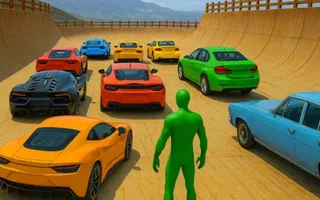
Mega Ramp Stunt is the closest match, because it lists a handbrake. Space is the handbrake, Shift is nitro, and R flips the car upright when you land on the roof. WASD or the arrow keys steer. To clear a level you have to perform tricks on every car available in that stage, and each car handles differently, so you are learning several slides, not one.
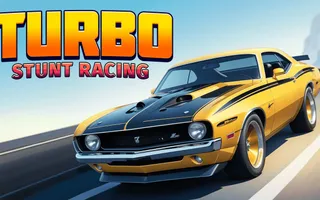
Turbo Stunt Racing is a 3D arcade game with rivals, ramps and sharp turns. The controls are only accelerate, slow down and steer, with no handbrake, so the slide comes from how you enter a corner. That makes it a good place to learn the speed-and-line part of drifting. You earn cash for stunts and precise driving, and spend it on upgrades or a new car.
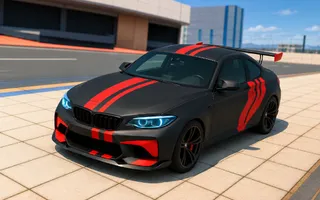
Extreme Car Driving Stunts puts GT cars into an open world of city streets, subway tunnels and twisting courses. It offers free driving as well as trial tracks, so you can take the same bend several times and try a different entry speed each time. W, A, S, D or the arrow keys accelerate, brake and steer. Its garage lets you change paint, tires and spoilers before you drive.
How to drift in a browser game
You do not need a wheel for any of this. A keyboard is enough, and the steps are the same in every game that lets cars slide.
- Slow down before the corner. Press the brake while the car is still straight. Braking in the middle of a turn is the quickest way to spin.
- Turn in, then add throttle. Steer into the bend and press the gas. On a car with loose rear grip, the tail starts to swing.
- Use the handbrake as a tap. In a game with a handbrake, a short tap on Space starts the slide. Holding it too long kills your speed and leaves you stuck sideways.
- Steer against the slide. If the rear swings out to the right, steer a little to the right as well. Small presses work better than holding the key.
- Ease off to straighten. When you want to leave the slide, lift off the gas and straighten the wheel.
On a keyboard, steering is on or off, not smooth. Tap the arrow key in short pulses instead of holding it. A held key turns the wheel all the way, and that is how most spins start.
Choosing a car and a setup
Each game handles cars differently, so a good habit is to test before you race. In Mega Ramp Stunt every vehicle has its own design and abilities, which means a slide that works on one car may not on the next. In Turbo Stunt Racing, new cars bring their own traits and boosts.
Try this routine on any new car:
- Drive a straight line at full speed, then brake hard, and notice how long the car takes to stop.
- Take one gentle corner at medium speed and watch whether the tail moves.
- Take the same corner faster and see where it starts to slip.
That takes under a minute and tells you more than any guide can.
Drifting vs. racing: when sliding is slower
A slide looks great, but it is not always faster. In a race, the quickest way through a corner is usually a clean line with the least sliding, because a slide scrubs off speed. Drifting makes sense in two cases: a tight hairpin where you need to rotate the car, and a stunt game where style and tricks earn the reward.
Clean line
Usually the quickest way through a corner in a race.
- Least sliding
- Keeps your speed
Slide
Worth it in two cases only.
- A tight hairpin where the car must rotate
- A stunt game where style and tricks earn the reward
That is why the stunt games above are a better home for drift practice than a plain race. In Turbo Stunt Racing, for instance, cash comes from stunts and precise driving, not only from finishing first.
Reading a corner before you reach it
Most spins happen because the player noticed the corner too late. Build a habit of looking one beat ahead of the car. When you see the road bend, decide three things: how fast you want to be at the turn-in point, where the car should sit at the exit, and whether this bend is worth a slide at all.
A long, open curve is the safest place to hold a gentle drift, because you have room to correct. A tight corner right after a ramp is the worst place to experiment, since the landing already uses up your attention. Learn on the open curves first, then move to the hard ones.
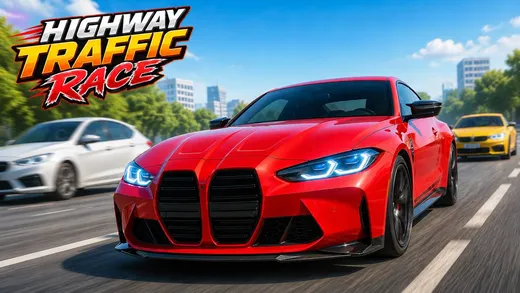
Camera angle matters too. Highway Traffic Race lists C as the key that changes the camera, and some driving games offer several views. A view that sits a little higher and further back shows more of the road ahead, which helps you plan a slide earlier. Try each view once and keep the one where you spin least.
Drifting on a trackpad or a phone
A keyboard is the best way to drive on a laptop. A trackpad works for menus but not for steering. On a phone, check each game’s page: Mega Ramp Stunt uses swiping left or right, and Turbo Stunt Racing uses on-screen controls. Touch steering is coarser than a keyboard, so expect fewer clean slides and more wide, forgiving turns.
Controls that work on most laptops
| Action | Keyboard |
|---|---|
| Accelerate | W or Up arrow |
| Brake / reverse | S or Down arrow |
| Steer | A and D or Left and Right arrows |
| Handbrake (Mega Ramp Stunt) | Space |
| Nitro (Mega Ramp Stunt) | Shift |
The games show their own controls on their pages, and a trackpad is fine for menus. For driving, the keyboard is better. If keys feel stuck on a small laptop, check that you are not holding two arrows at once.
Troubleshooting a slow game
A 3D driving game asks more of a computer than a card game does. If a game runs choppy, these small steps usually help:
- Close other tabs, especially ones playing video.
- Make the browser window smaller. Fewer pixels means a smoother frame rate.
- Reload the page once. A fresh load clears a lot of small hiccups.
- Try a 2D game instead. Crash Comet is an Aizi Original where the only control is changing lanes, so it asks very little of your hands.
Other driving games on Aizi
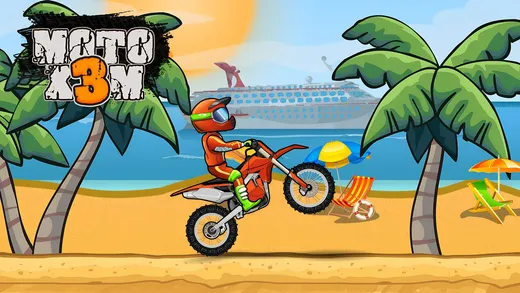
If sliding is not your thing, the hub also has Highway Traffic Race, where you overtake traffic with nitro and Space to brake, and Moto X3M, where you balance a bike through trap-filled courses. Everything is gathered on the car games unblocked hub, and the best unblocked games page covers the wider catalogue.
 Aizi's tip pick one game and one car, and take the same corner ten times. Repeating a single bend teaches you more than ten different tracks.
A practice plan for your first week
Short sessions beat one long one. Here is a simple plan that fits into a break between classes or tasks.
- Day oneOpen Turbo Stunt Racing and drive three laps without trying anything fancy. Learn where the sharp turns are.
- Day twoPick a single sharp turn and brake earlier each time until you stop running wide.
- Day threeOpen Mega Ramp Stunt and test the handbrake on a flat area. Tap Space, count the slide, and straighten out.
- Day fourIn Extreme Car Driving Stunts, drive the open world and look for a long curve where you can hold a steady angle.
- Day five onwardGo back to the stunt levels and use what you learned to land cleaner.
You will crash a lot. That is normal, and the restart is quick. Each crash shows you where the limit is, and finding the limit is the whole point of a drift.
Questions players ask
What does drift games unblocked mean?
On Aizi it means driving games that run in a normal browser tab with no download, no install and no account. It describes how the game loads, nothing more. Play where and when your school or workplace allows games.
Does Aizi have a pure drifting game?
Not yet. Aizi has no game built only around drift scores. It does have stunt and traffic driving games with brakes, handbrakes and sharp corners, which is where the sliding skills below come in.
Which Aizi game has a handbrake?
Mega Ramp Stunt lists Space as the handbrake, with Shift for nitro and R to flip the car upright. The other keyboard driving games use a plain brake.
What keys do I use to drive?
Most of them use W, A, S, D or the arrow keys. Each game shows its own controls, and the extra keys such as nitro or handbrake differ from game to game.
How do I stop spinning out?
Brake before the corner, not in it, steer in small movements and ease off the gas the moment the car starts to swing. Small corrections recover a slide, big ones turn it into a spin.
Can I play drift games on a Chromebook?
The driving games on Aizi run in the browser, so a Chromebook with a keyboard works. Smaller windows and an older machine can lower the frame rate, so close other tabs first.